Loyalty Cards
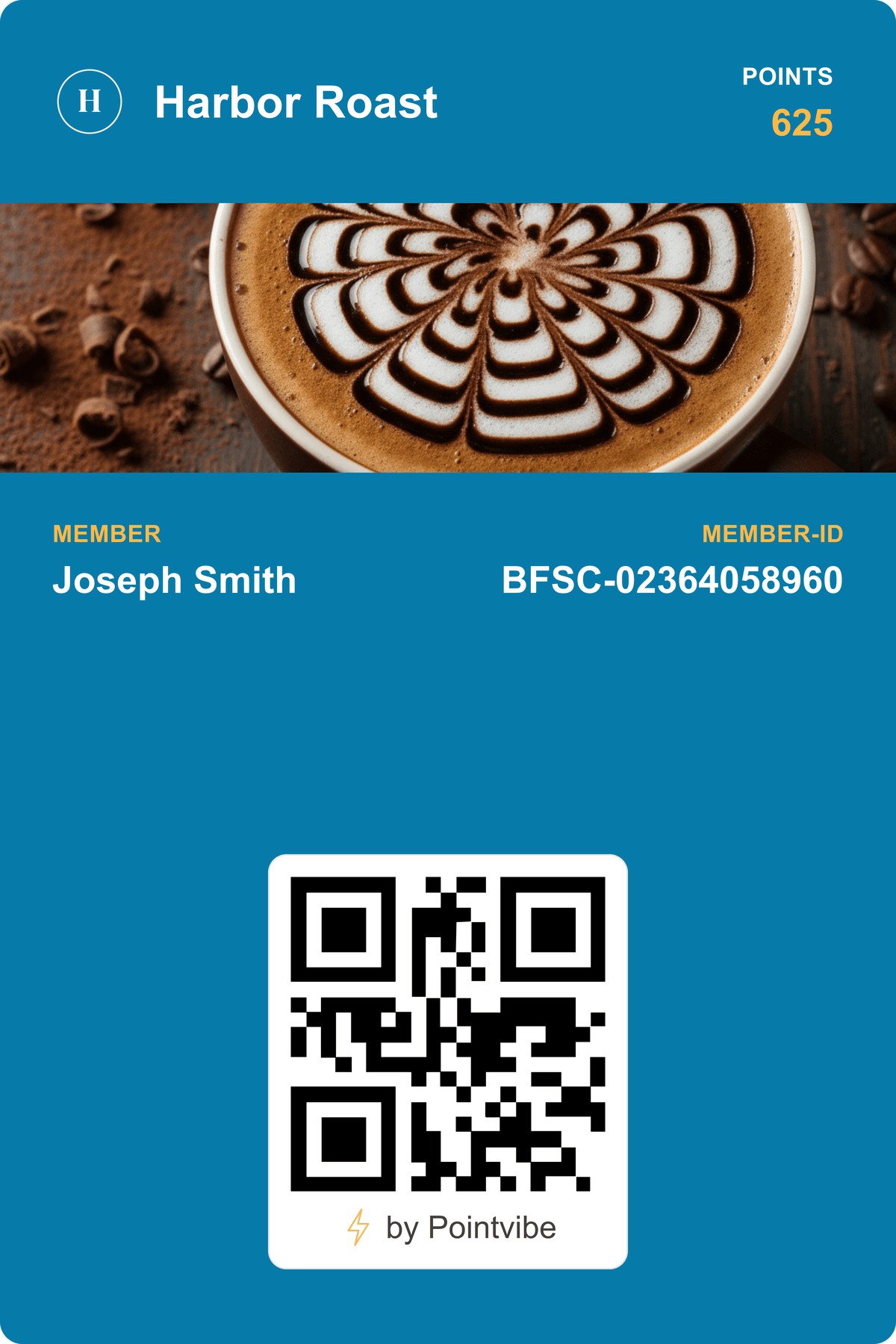
Points that scale with the basket. Set what a dollar earns, pick the reward, and let the counter scan do the counting.
Loyalty PassesGoogle Wallet is where Android customers keep the cards they tap to pay with. A Google Wallet pass puts your loyalty card, gift card or ticket in the same place — saved in one tap, updated whenever you change it, and matched by the same pass in Apple Wallet for iPhone.
A Google Wallet pass is a digital card saved to Google Wallet, the wallet app on Android phones. Businesses issue them as loyalty cards, stamp cards, memberships, coupons, gift cards and event tickets.
Customers save a pass from a link or a QR code in one tap — from your website, a text, an email or the counter. They do not download your app or sign up for another account.
A saved pass is live. When a points balance, an offer or an expiry date changes, the card in Google Wallet changes with it, and you can message the customer through the pass itself.

A link or a QR code is all it takes. The customer taps once and the pass is in Google Wallet, next to the cards they tap to pay with.
Update points, balances, offers, fields or the design, and every issued pass follows in real time. There is nothing to resend.
Reach customers on the lock screen: scheduled, targeted, or triggered near one of your stores, with quiet hours and cooldowns built in.
Design once. Android customers get Google Wallet, iPhone customers get Apple Wallet, and PointVibe picks the right one for each phone.
Start from a loyalty card, stamp card, membership, coupon, gift card or event ticket, then drop in your colours and logo.
Decide what the pass shows — points, a balance, a tier, an expiry — and watch a live Google Wallet preview update as you build.
Send one link, or put a QR code at the counter. Customers on Android tap once and the pass is in Google Wallet. Email, SMS and your socials work too.
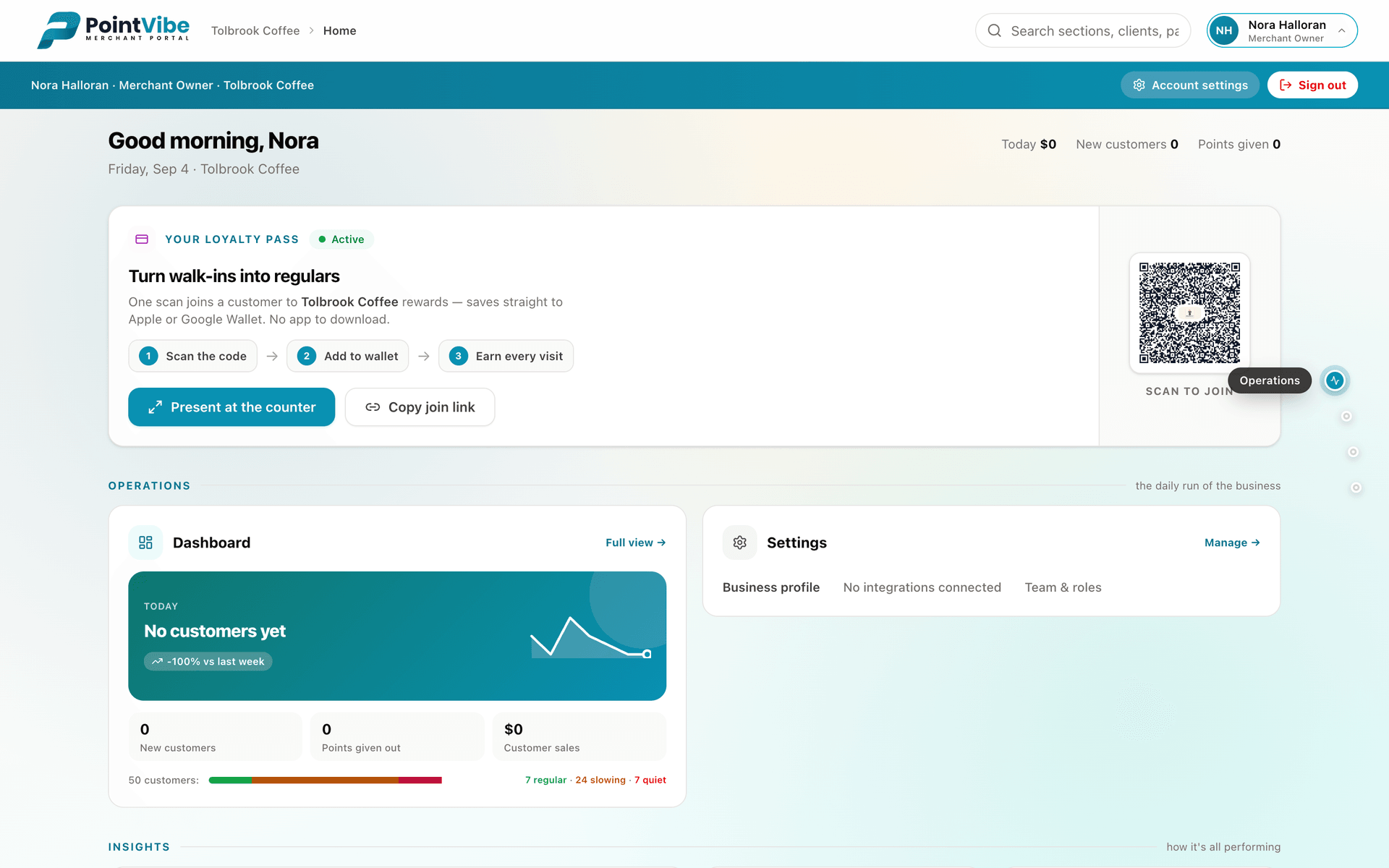
Staff scan the pass with the PointVibe Scanner app on any iOS or Android phone. Points and balances update on the customer's pass straight away.
Whether you need a loyalty card, an event ticket, a membership, or a coupon, PointVibe builds it, manages it, and delivers it to Apple Wallet and Google Wallet automatically.
Points that scale with the basket. Set what a dollar earns, pick the reward, and let the counter scan do the counting.
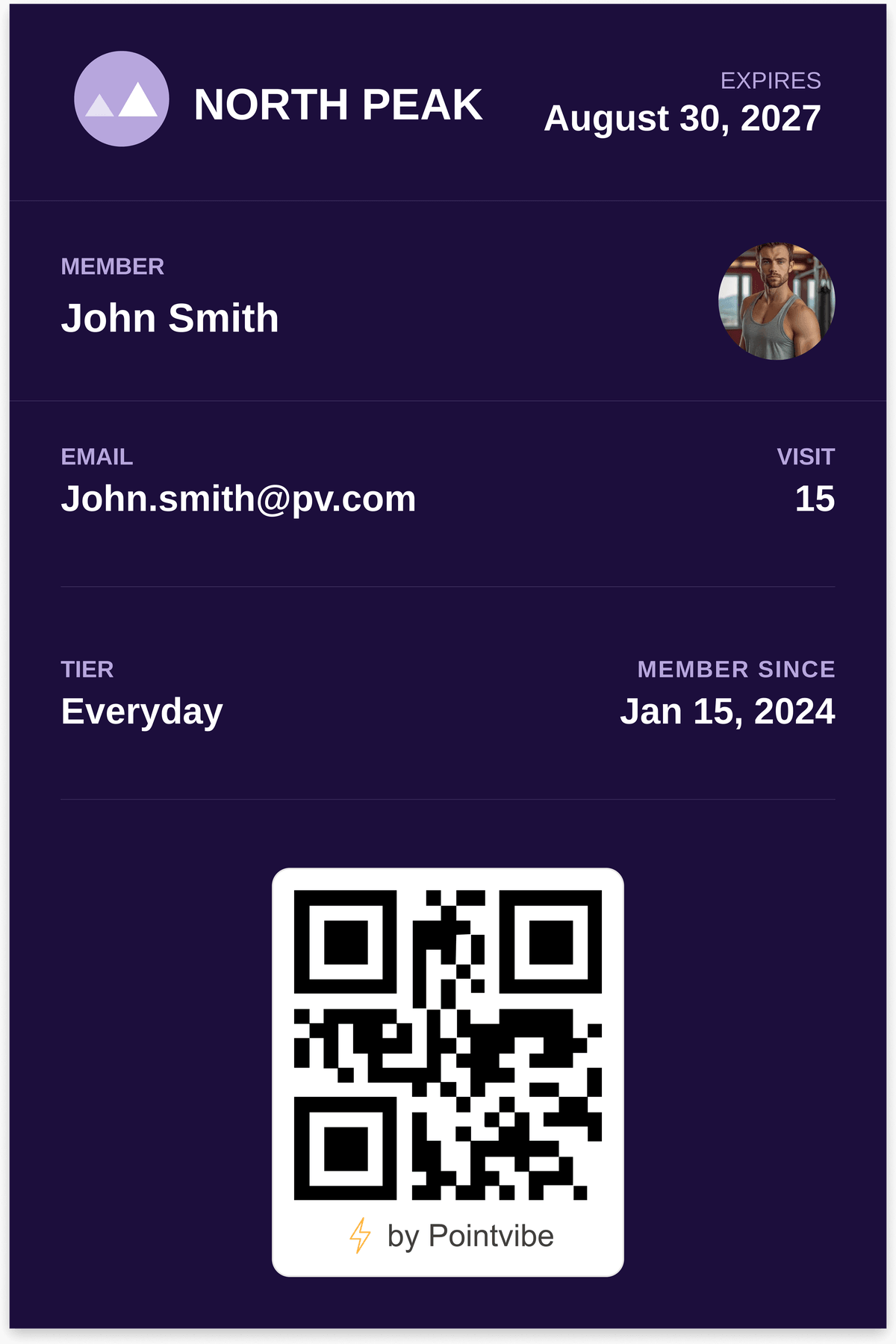
Loyalty PassesIssue and manage membership cards that renew, update status, and remind customers automatically.
Membership Passes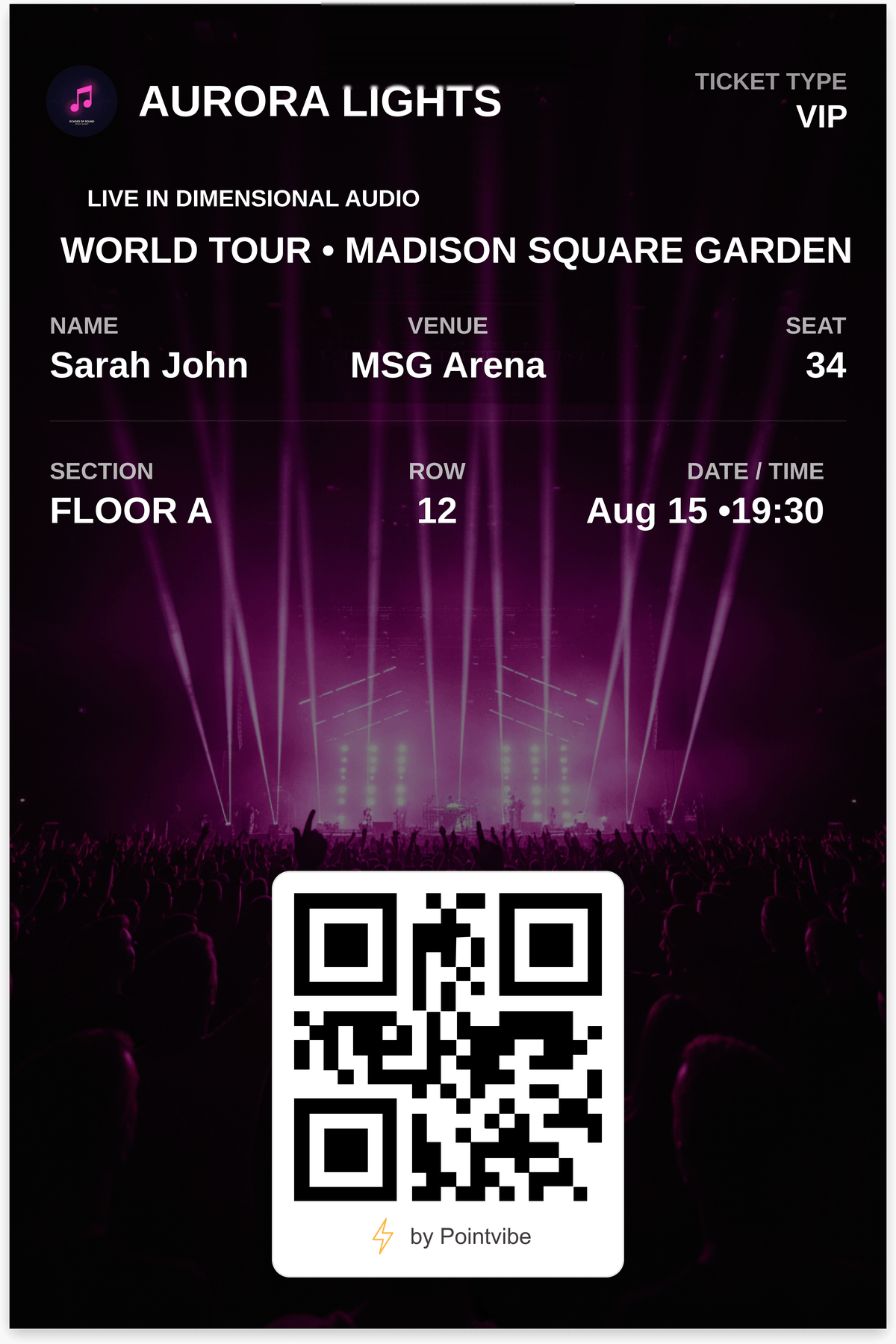
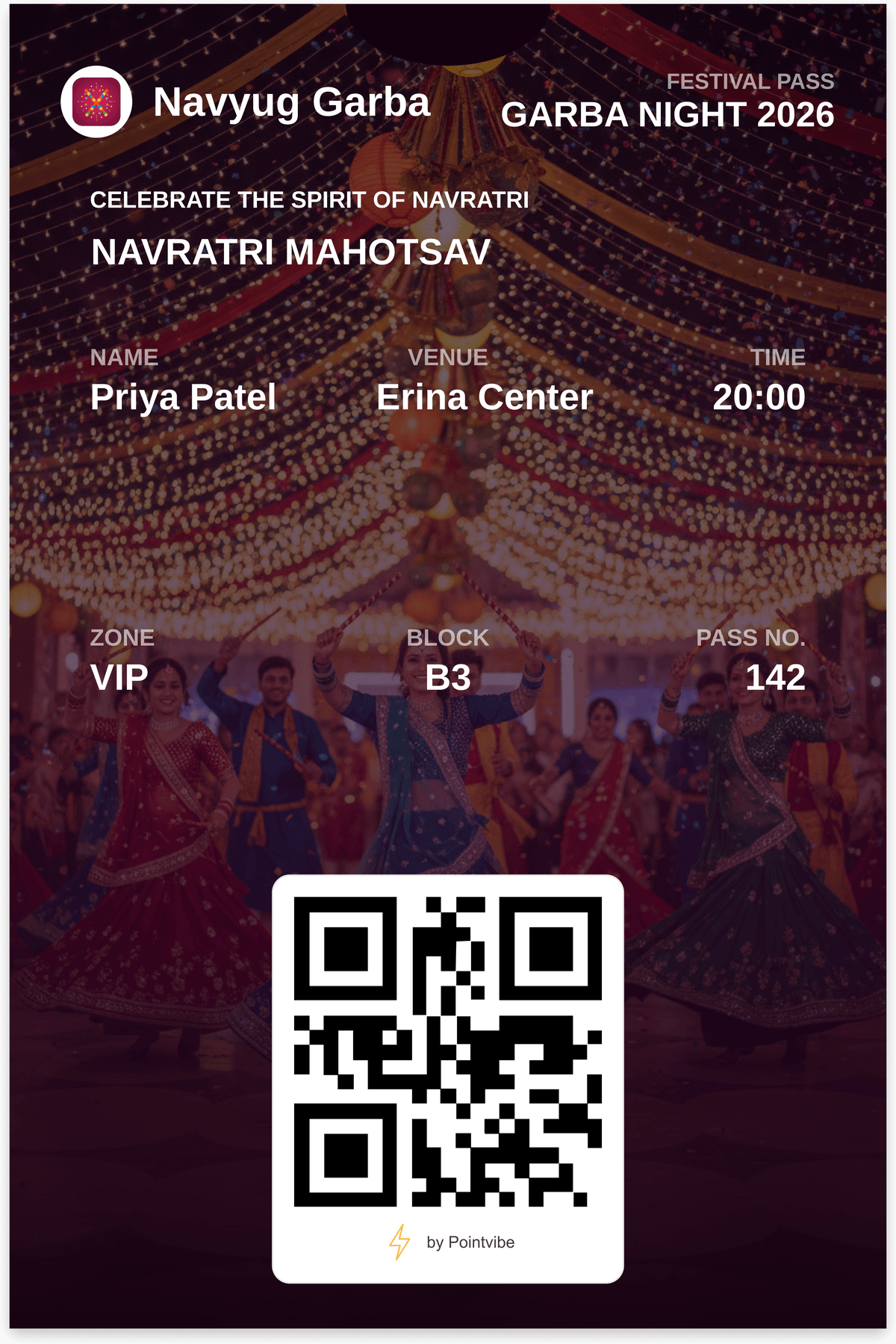
Scannable tickets that update with gate changes, seat assignments, or schedule shifts in real time.
Event Passes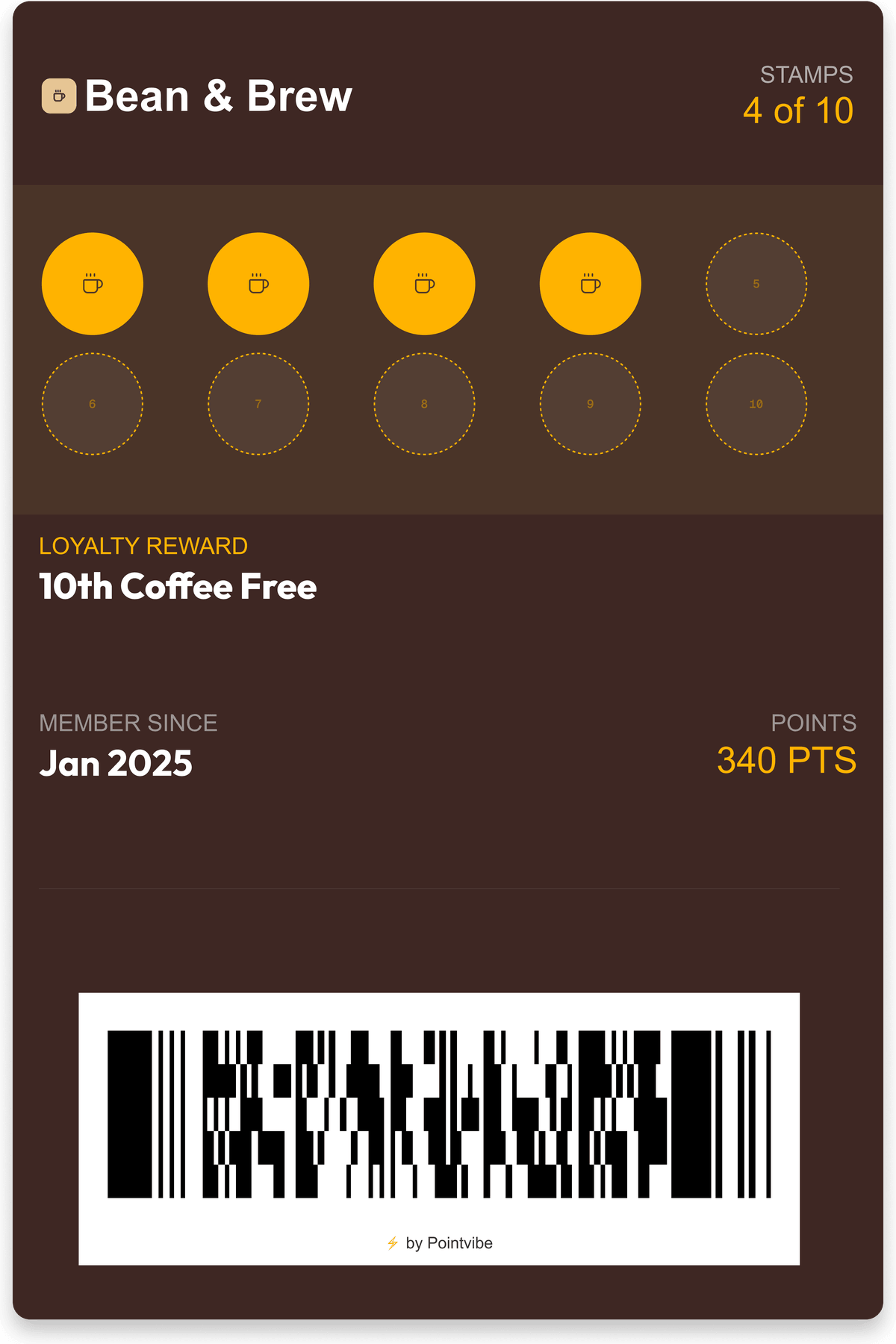
Digital punch cards that update automatically. Customers love the progress — businesses love the repeat visits.
Stamp Passes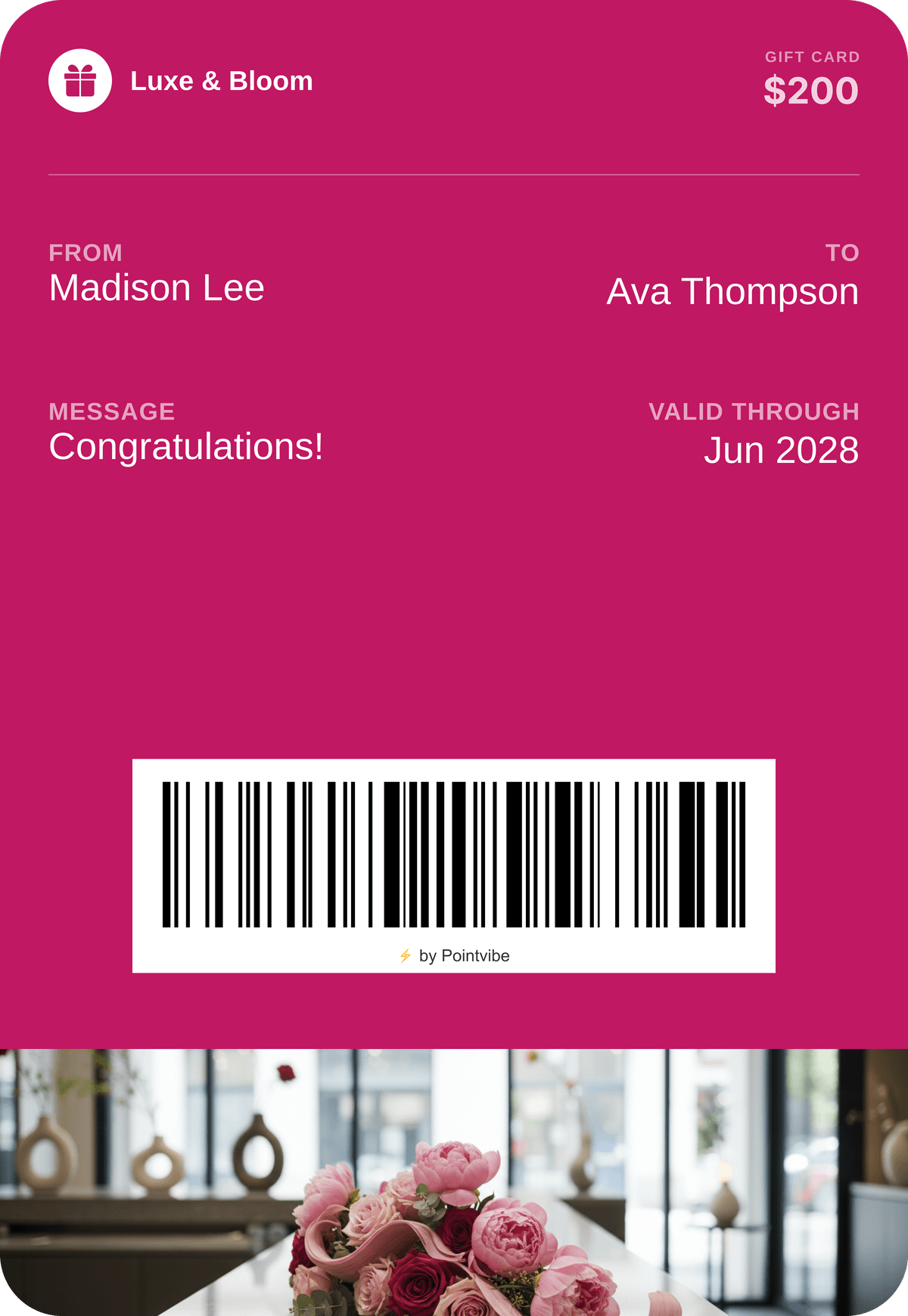
Sell and send gift cards straight to a wallet. Balances update on every redemption, with no plastic to reissue.
Gift Passes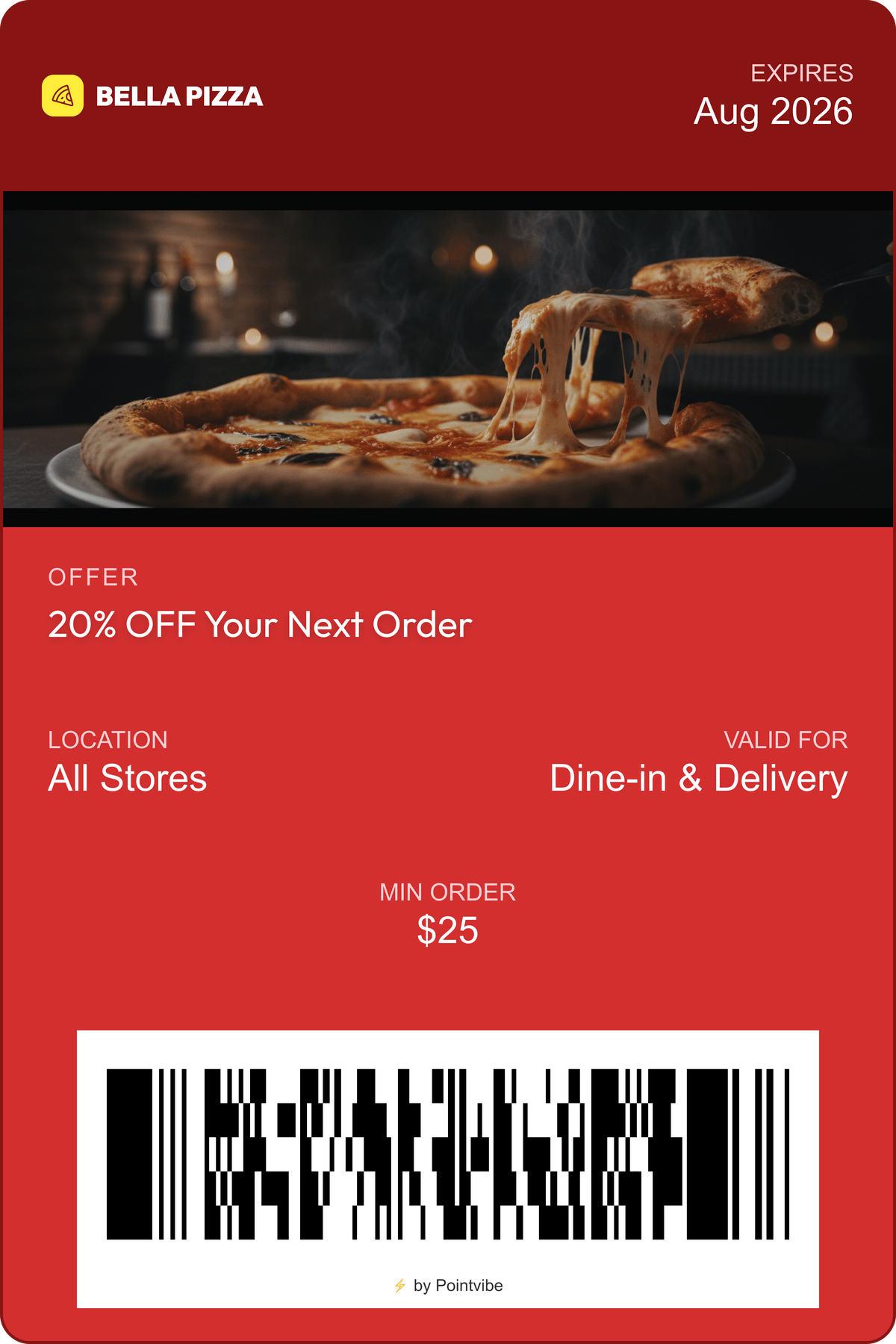
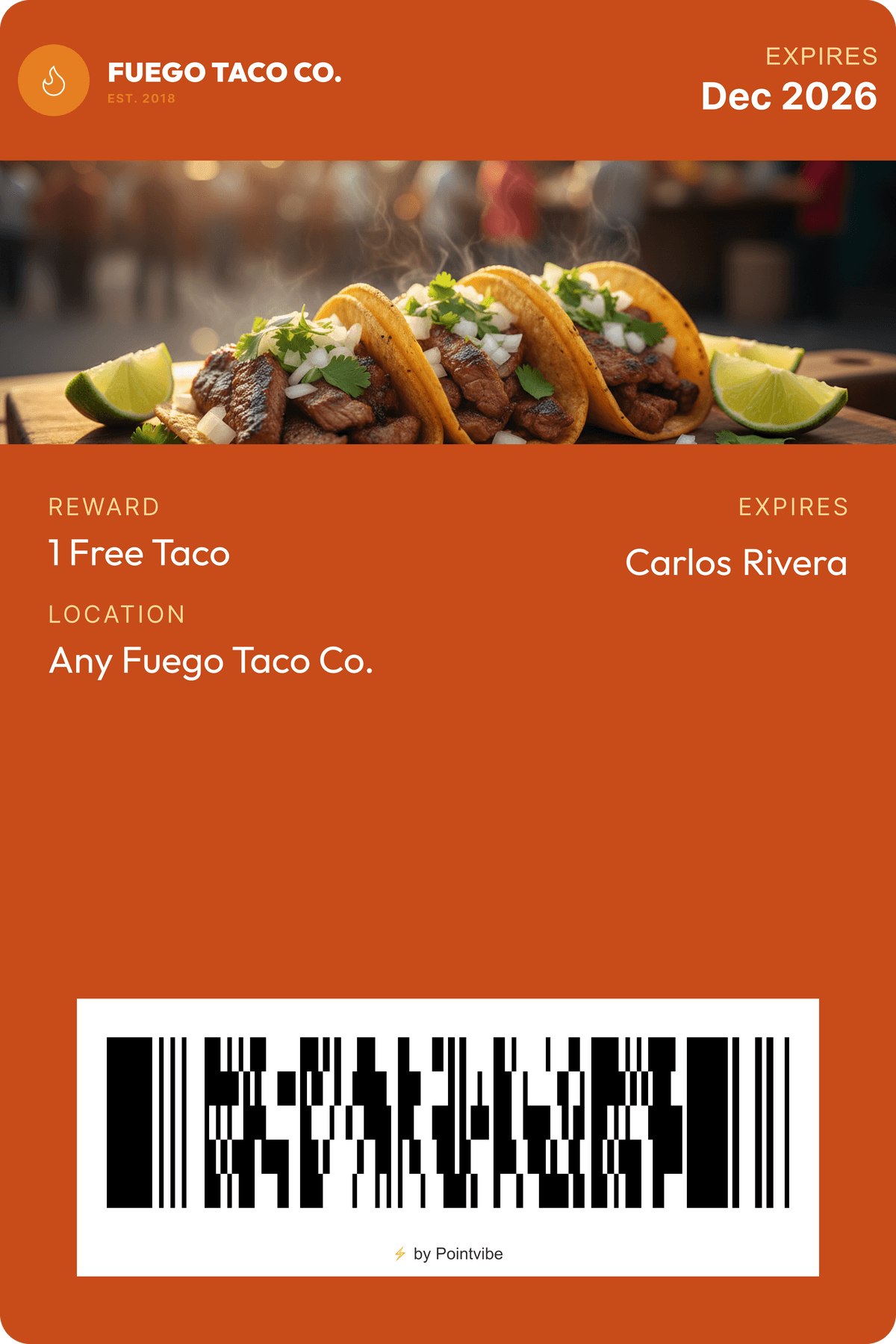
Send a discount to a lock screen, watch it get claimed, and let it retire itself on the date you set.
Coupon PassesThe pass you design here is delivered to Apple Wallet as well. You never build it twice.
No. Customers save your pass to Google Wallet with one tap from a link, QR code, email or SMS. They do not install an app from you or create an account.
With PointVibe, pick a template, add your colours and logo, choose the fields and barcode, and publish, with a live wallet preview as you go. No design tool and no code. Most businesses have their first pass live in about five minutes.
Yes. You design the pass once and PointVibe delivers the right format to each customer automatically — Google Wallet on Android, Apple Wallet on iPhone.
Yes. Points, balances, offers, fields and even the design update in real time on every issued pass, with no reissuing and nothing for the customer to do.
Yes, to the lock screen with no app install. Schedule a send, pick an audience, or trigger it when someone comes within range of one of your stores: up to 10 locations per pass, with quiet hours and cooldowns.
Plans start at $69 USD a month, or $690 a year billed annually. Both wallets, the scanner app and custom pass design are on every plan, with no contracts, and no card needed to start.
Build a loyalty program your customers actually keep — one pass, both wallets, live in about five minutes.